Screenshots

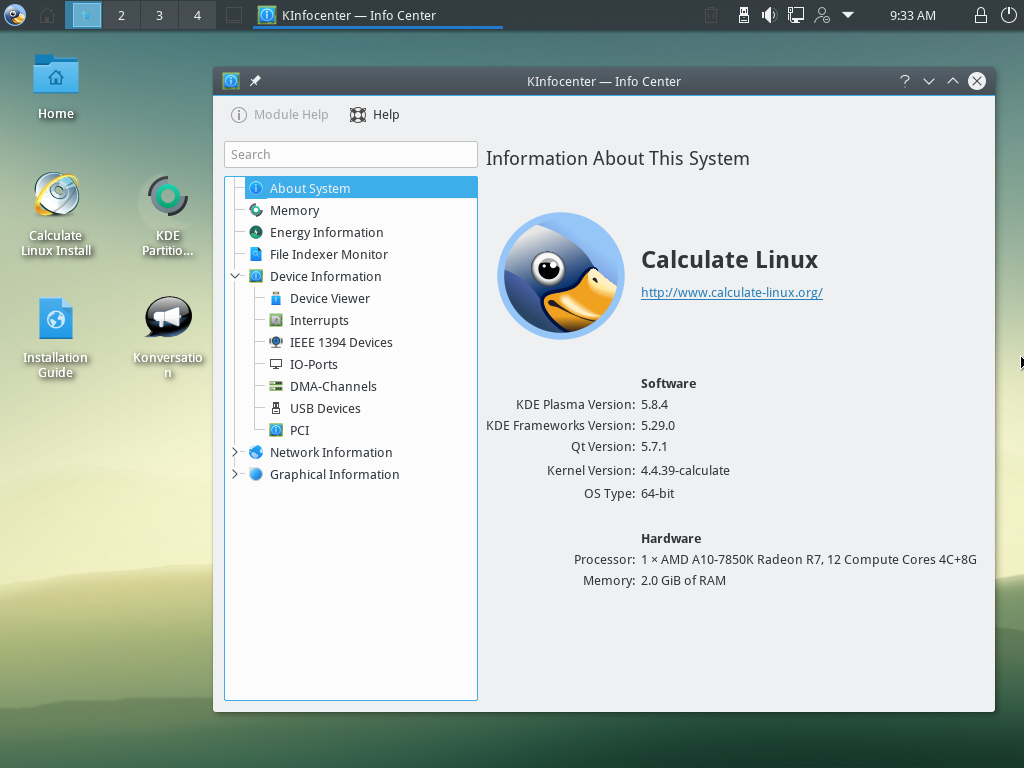
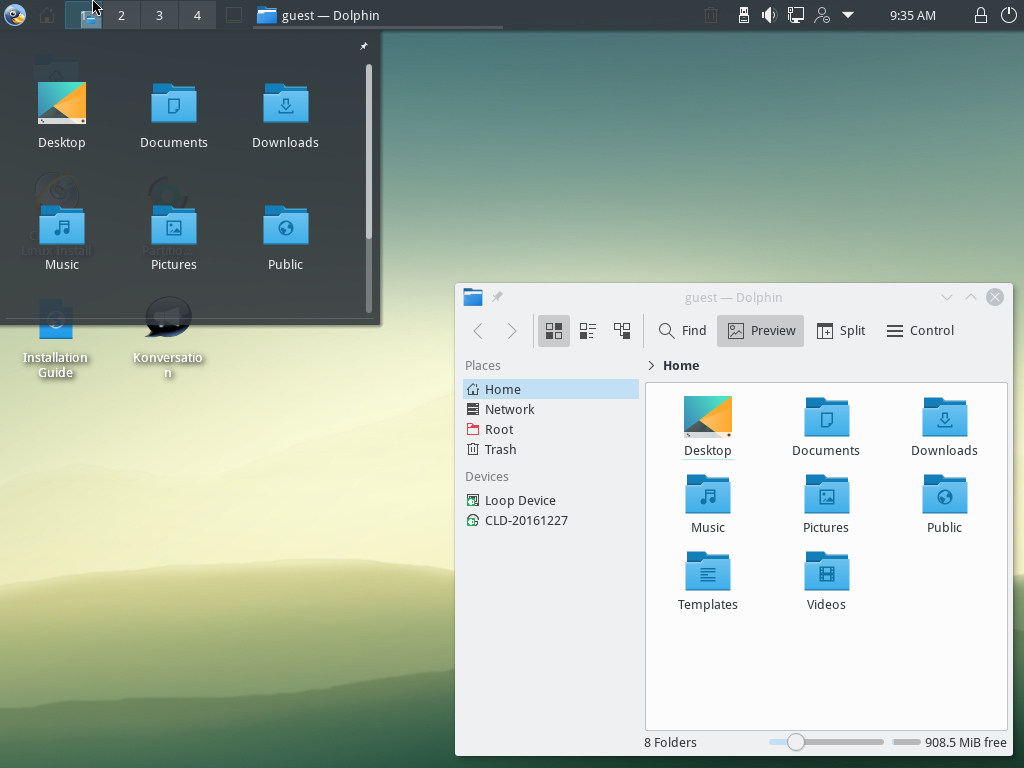
Calculate Linux 10.4

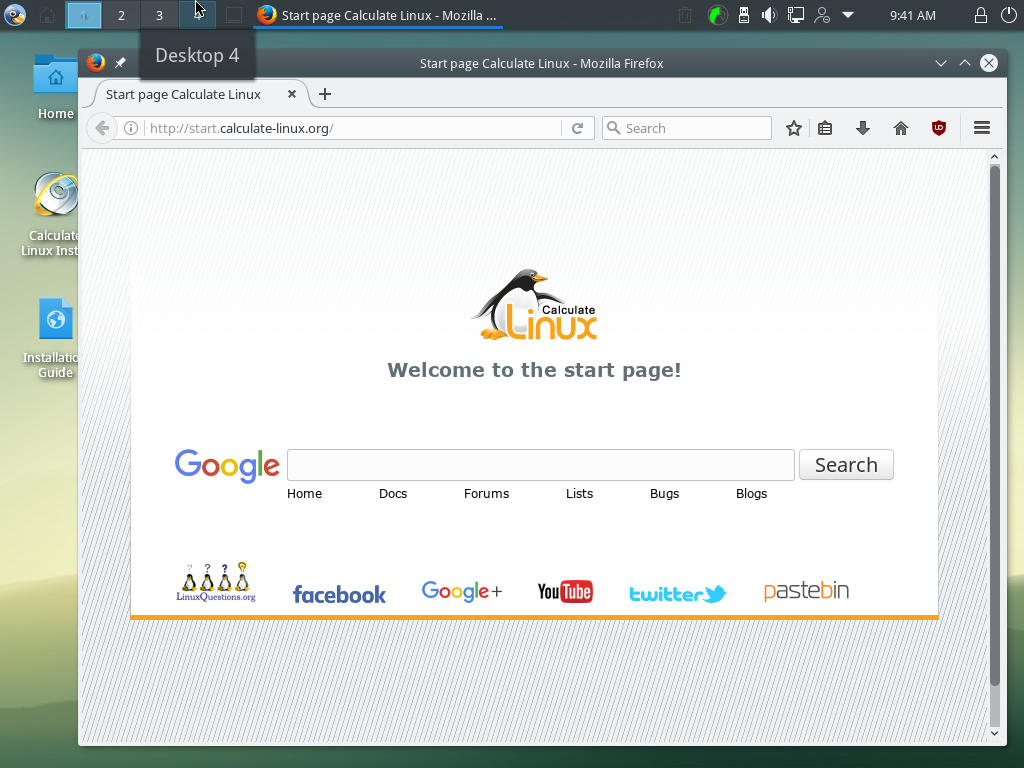
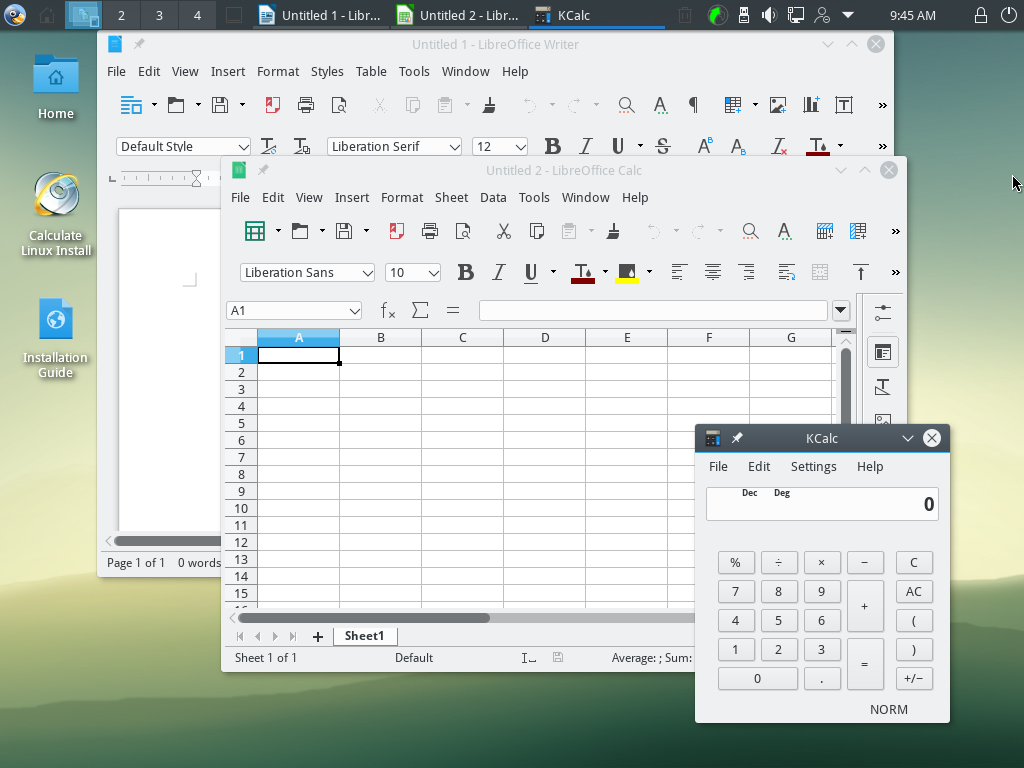
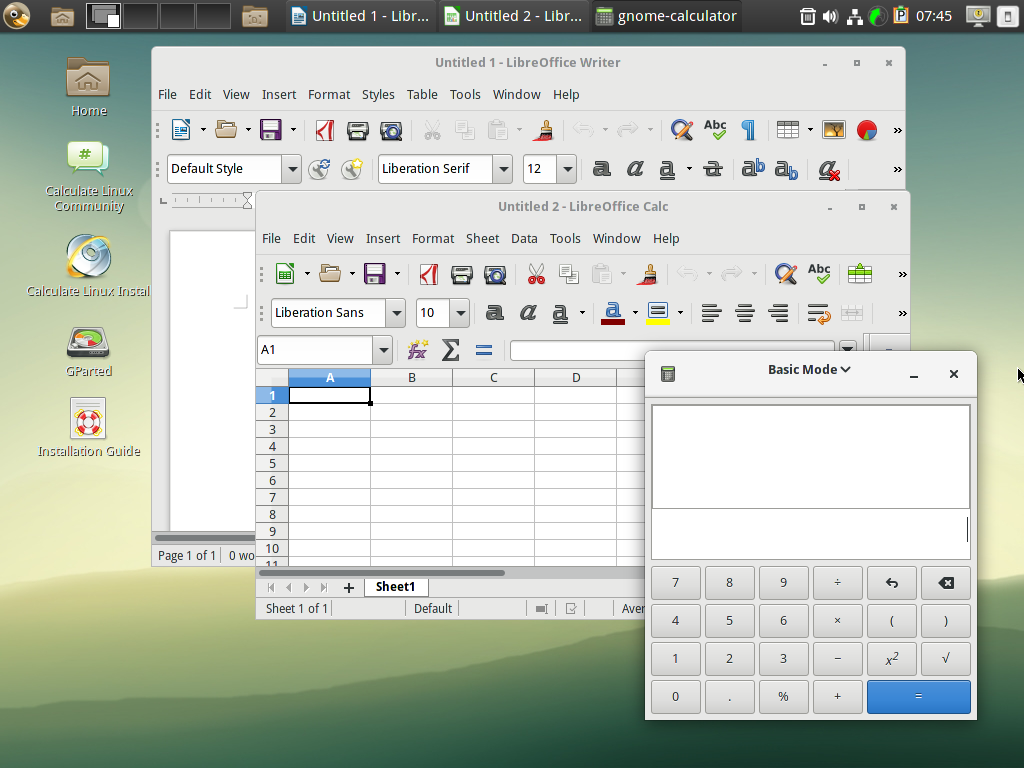
Workspace

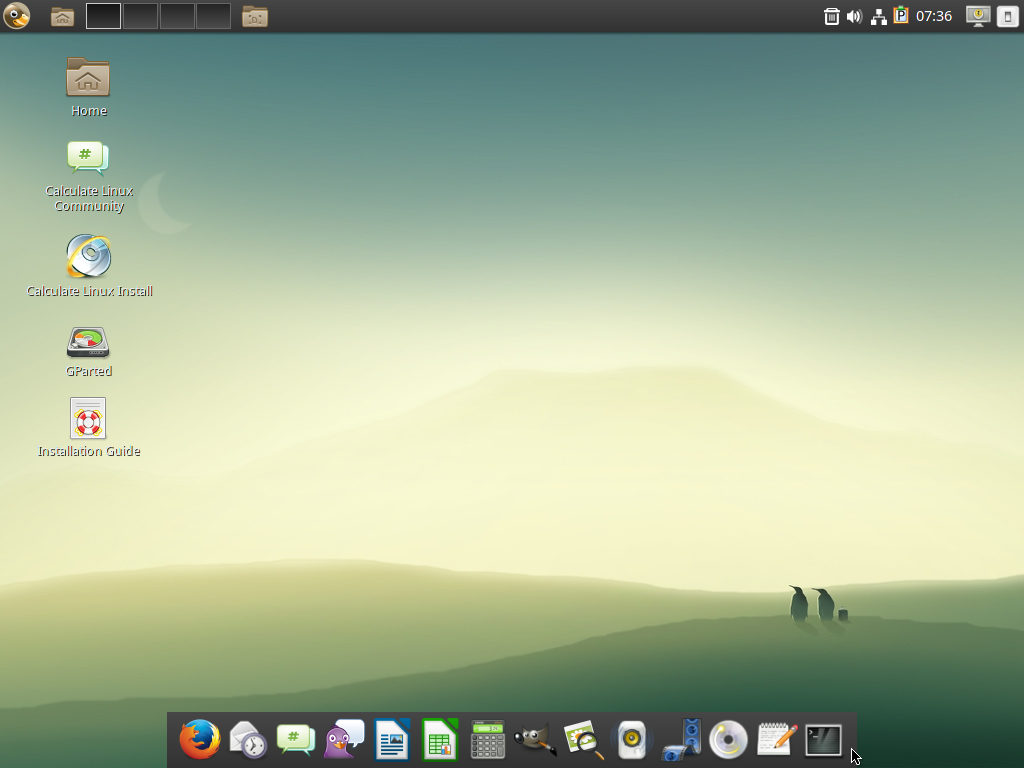
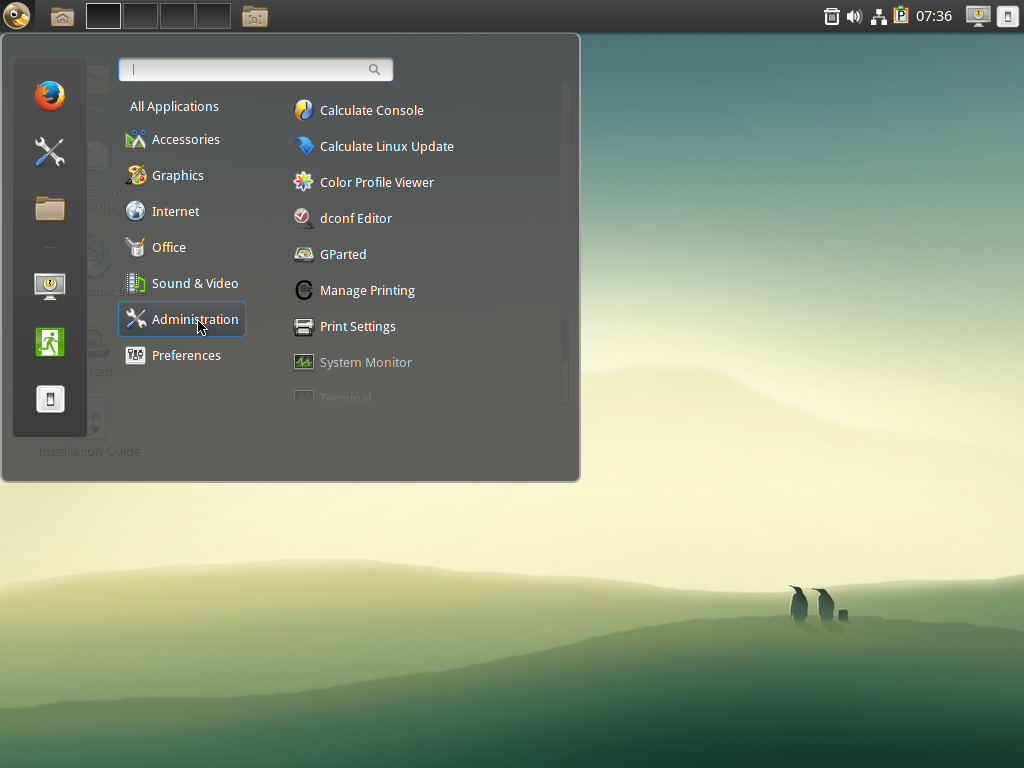
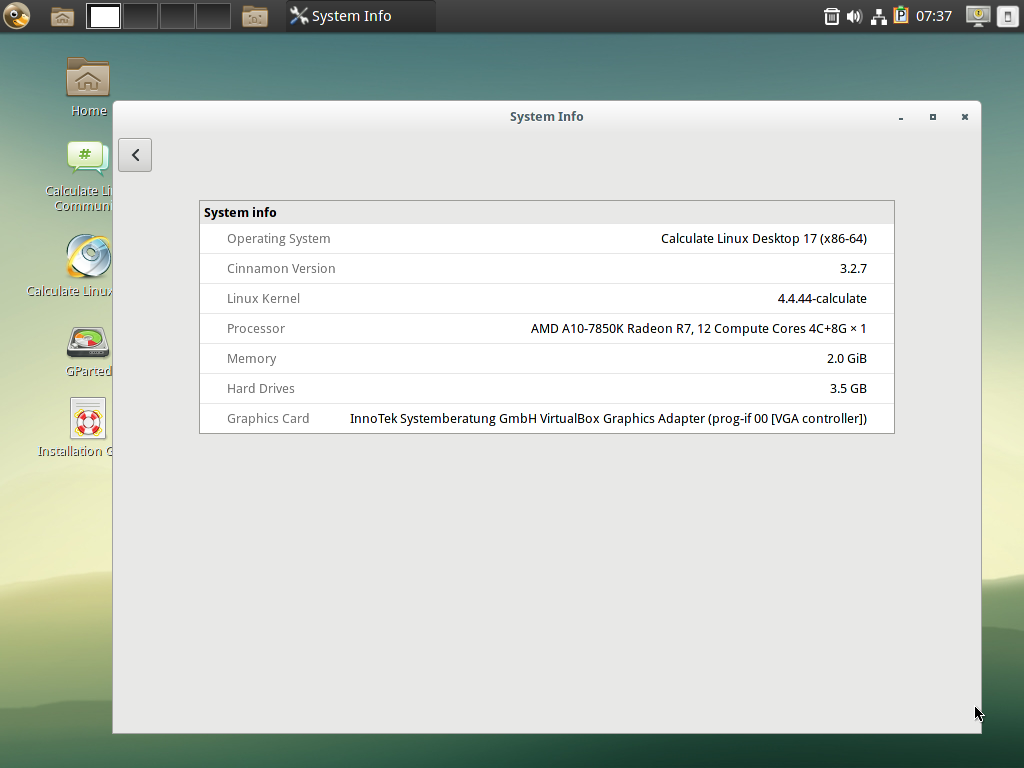
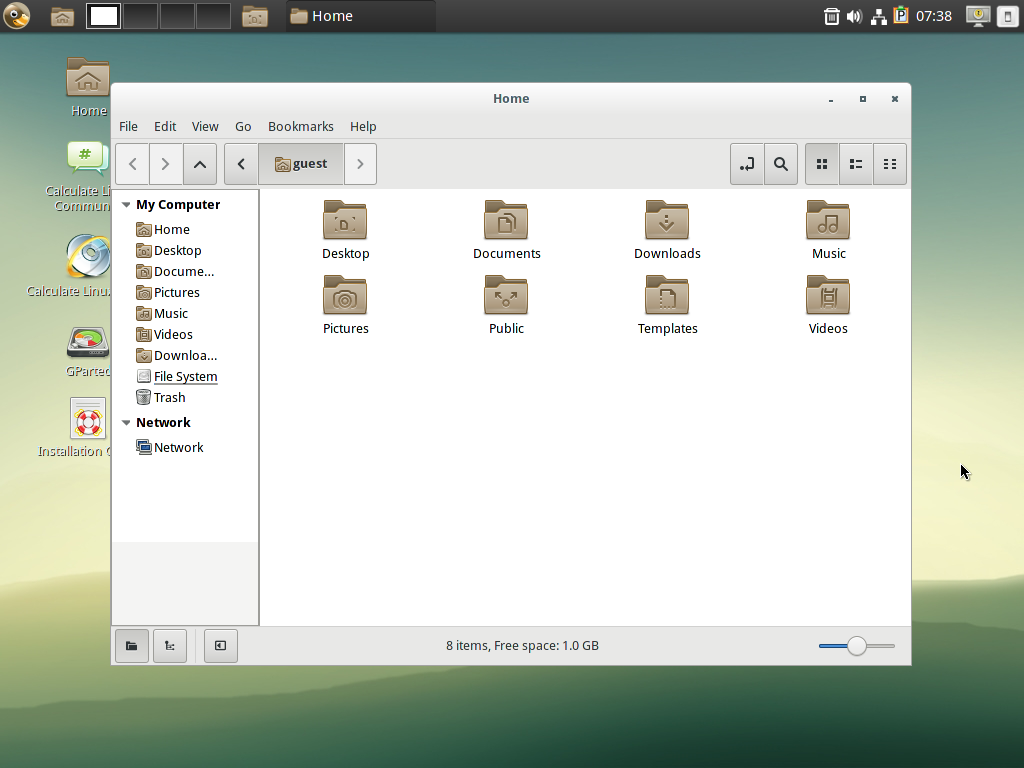
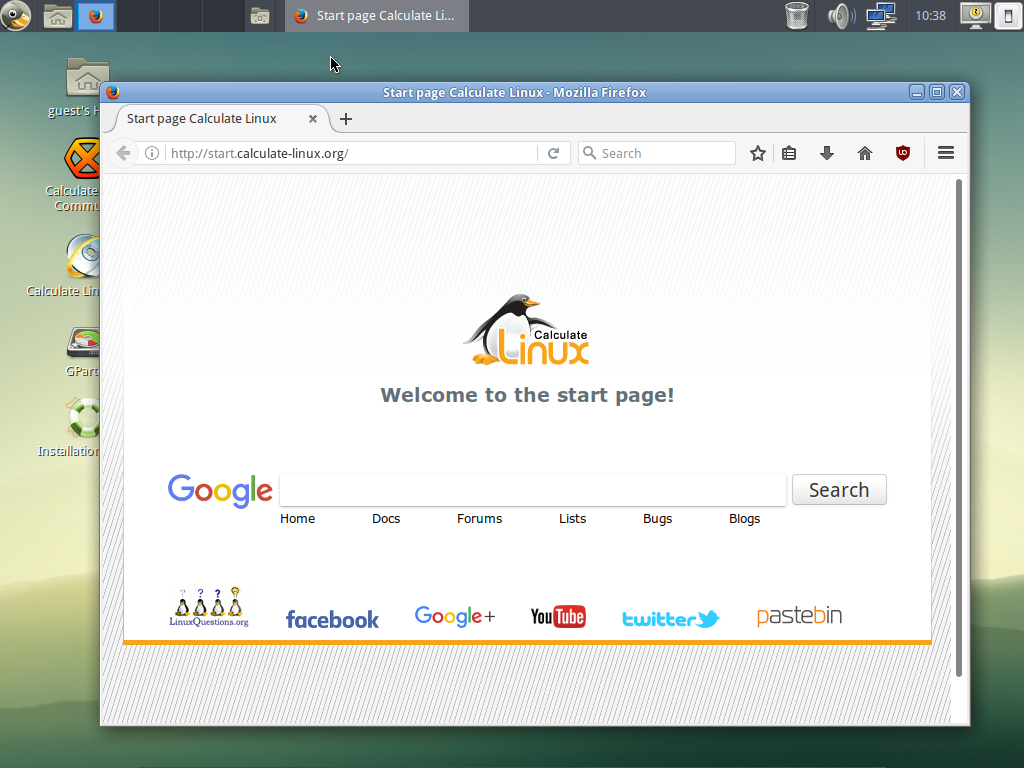
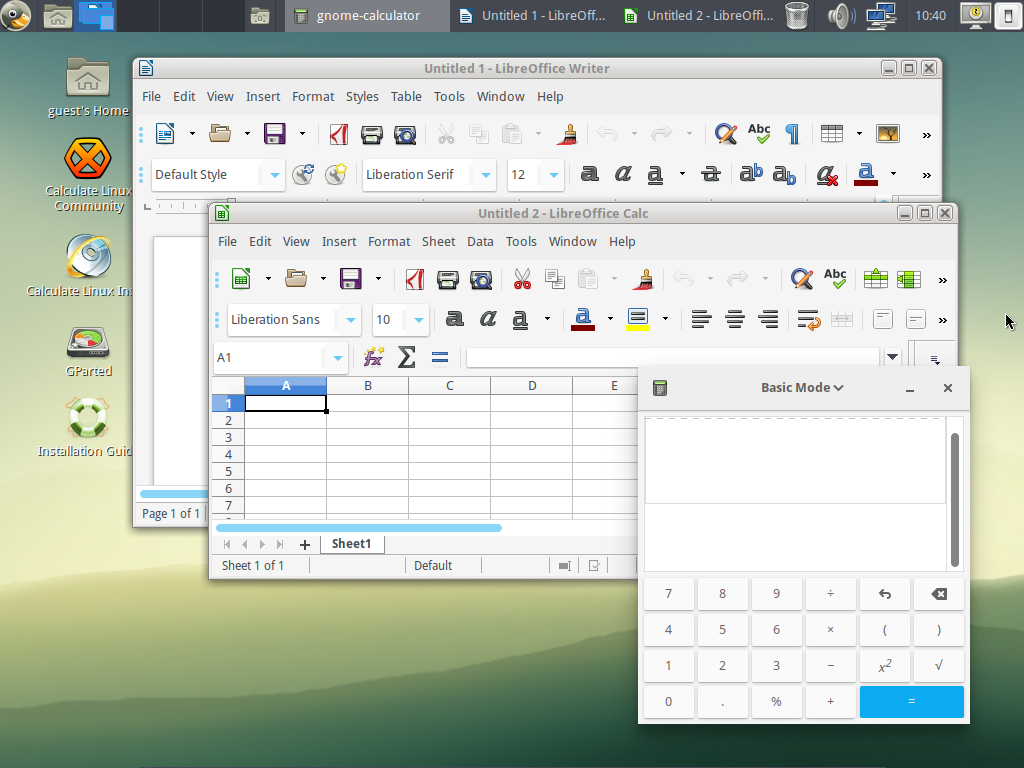
Calculate Linux Desktop KDE Calculate Linux Desktop GNOME Calculate Linux Desktop XFCE Calculate Linux Scratch

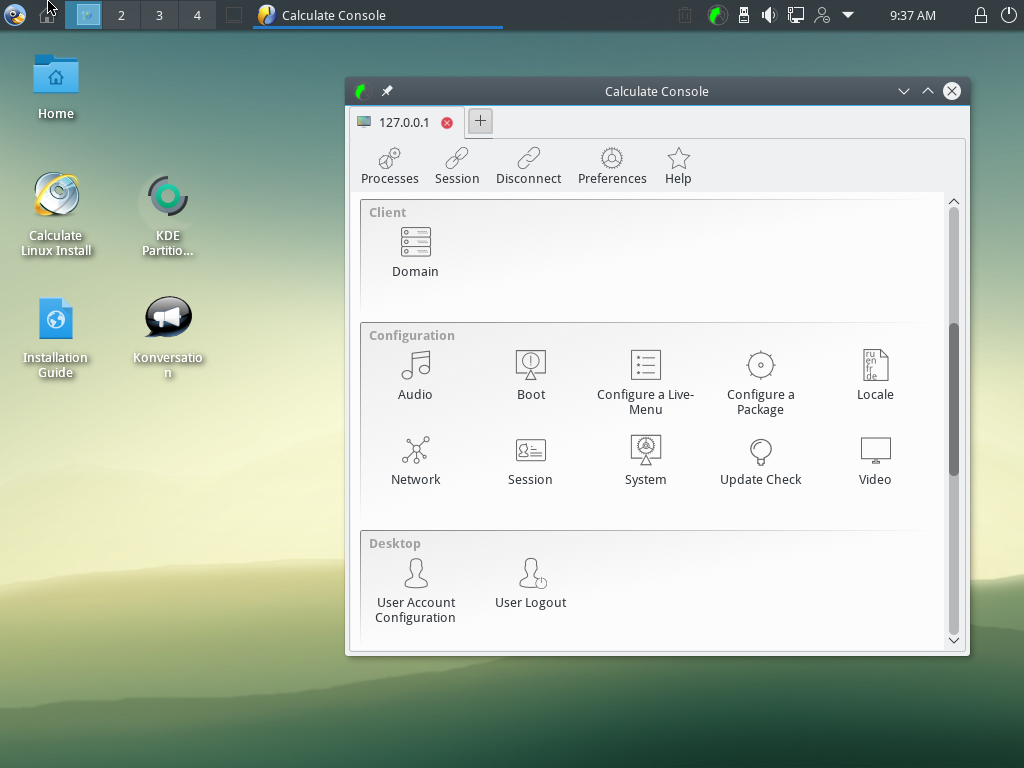
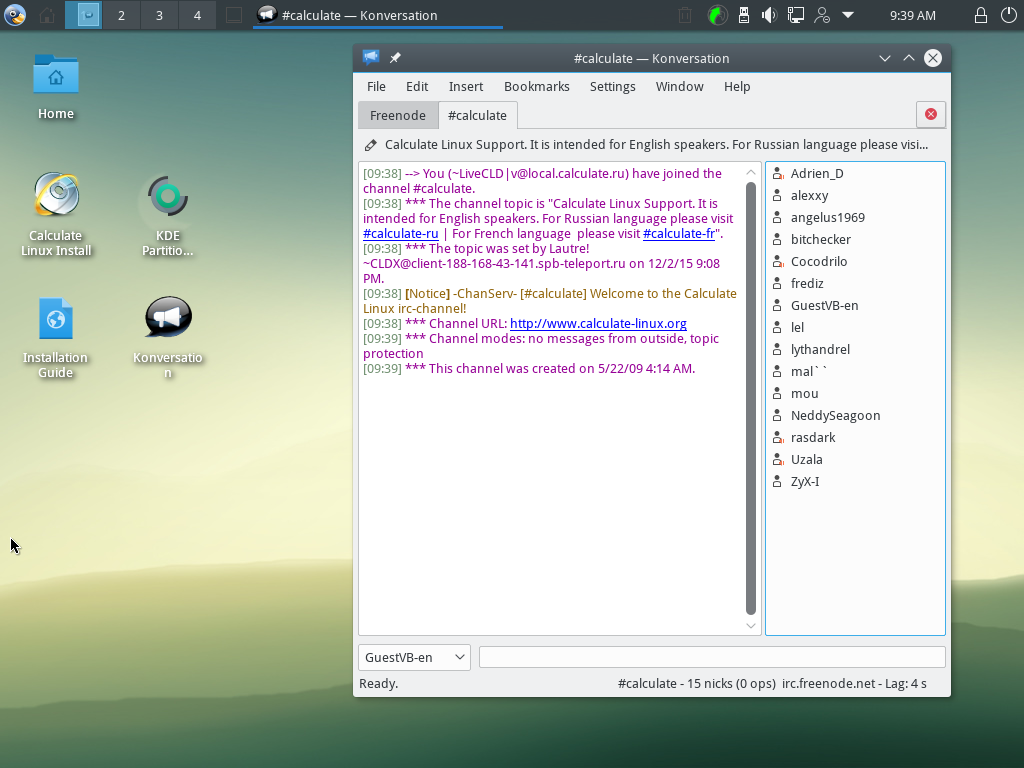
Calculate Linux 10.4

Login

Calculate Linux Desktop KDE Calculate Linux Desktop GNOME Calculate Linux Desktop XFCE

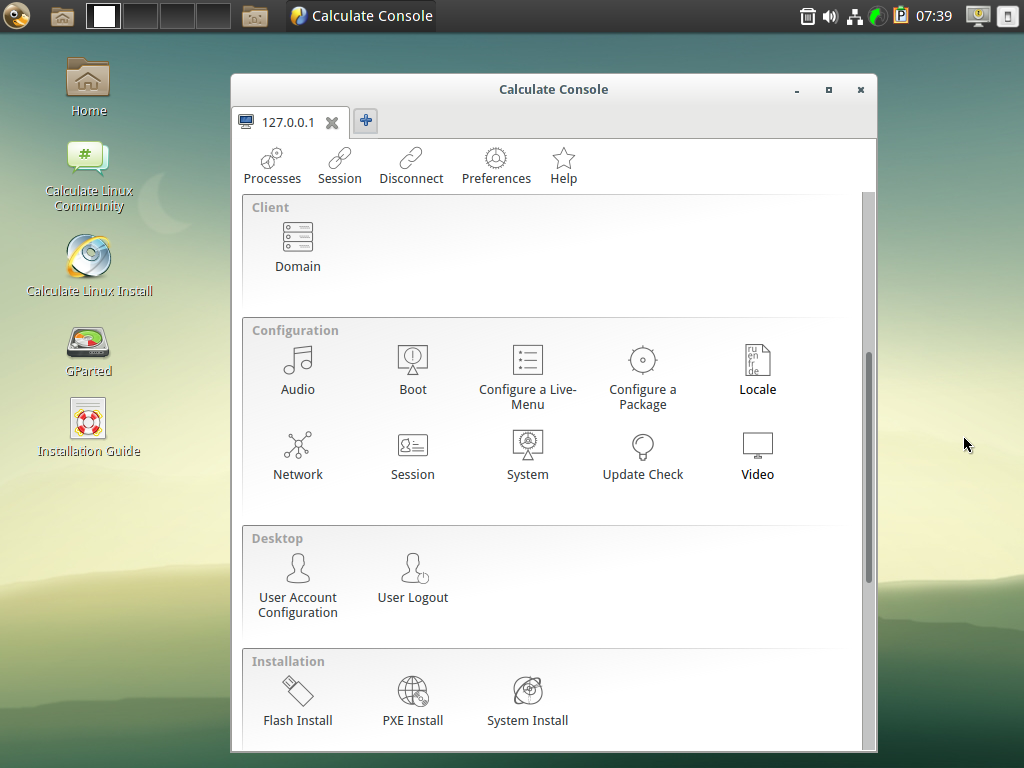
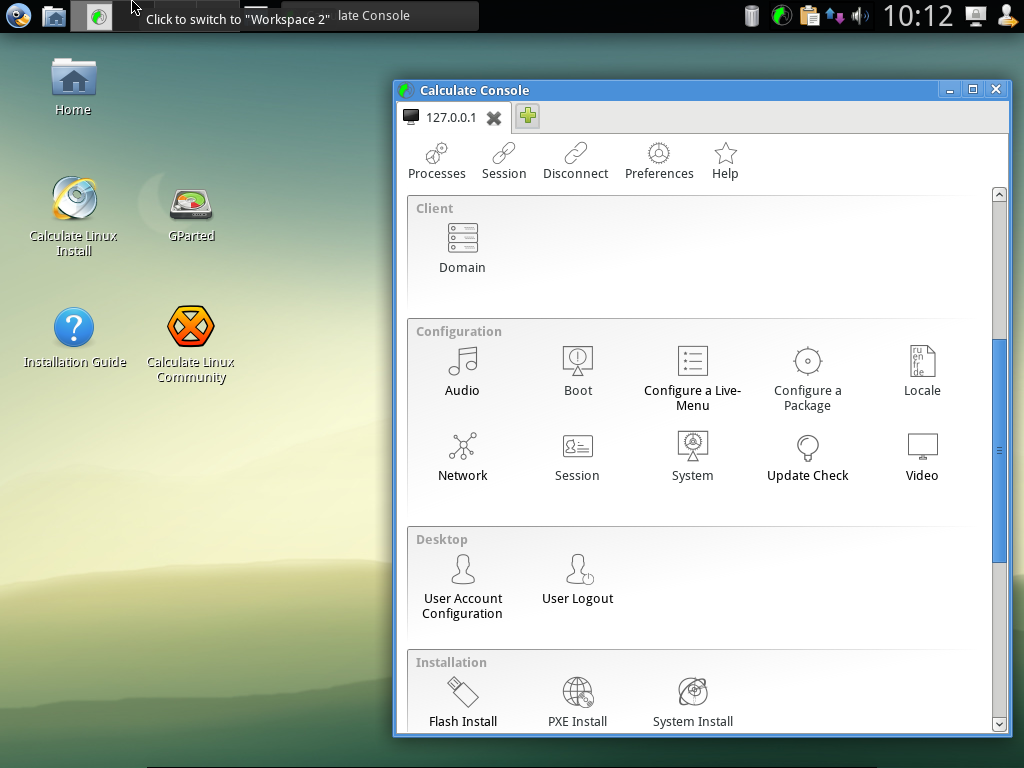
Domain

Calculate Linux Desktop KDE Calculate Linux Desktop GNOME Calculate Linux Desktop XFCE

Calculate Linux 9.9

Calculate Linux Desktop KDE

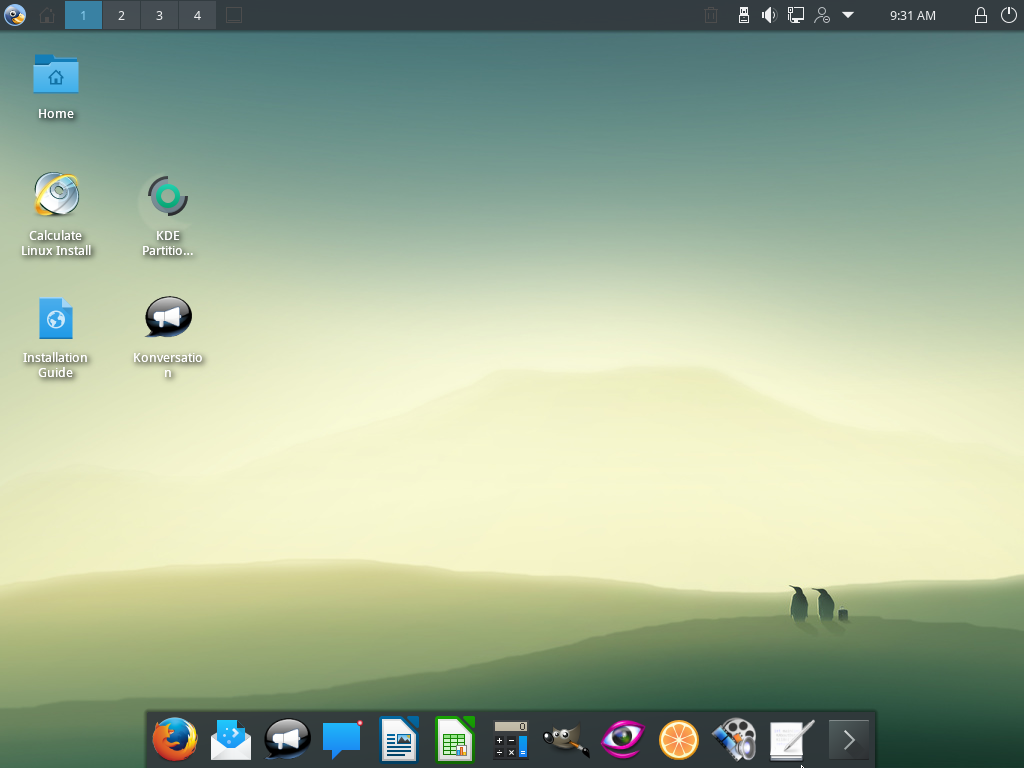
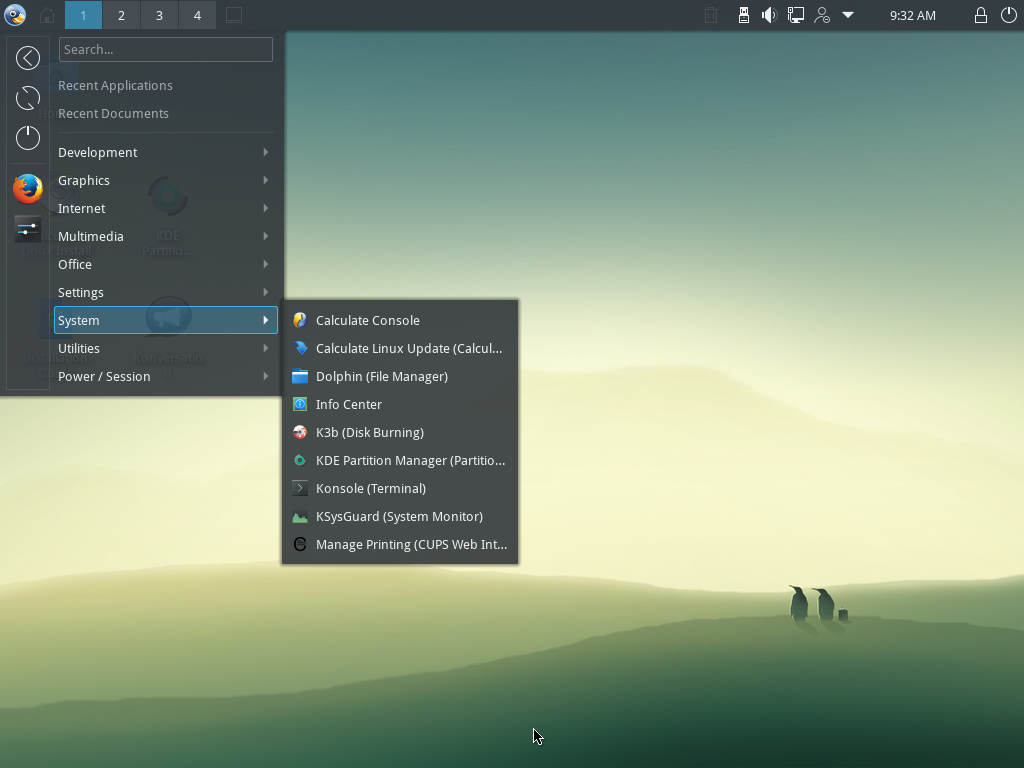
KDE workspace, applications menu and file browser dolphin. Graphic editor Gimp and document viewer Okular. OpenOffice.org and KDE disk burning tool k3b.

Calculate Linux 9.7

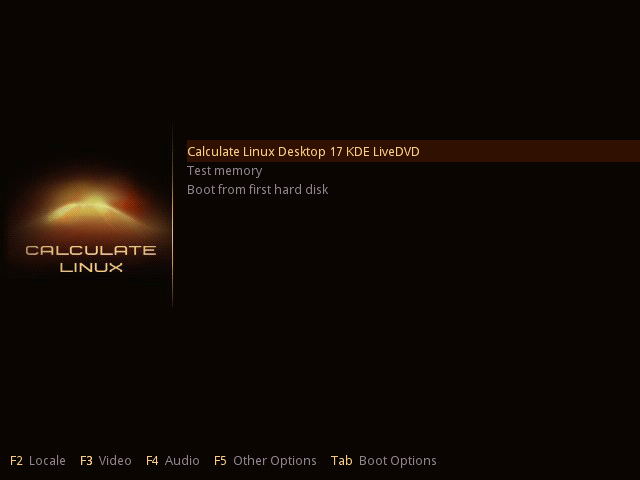
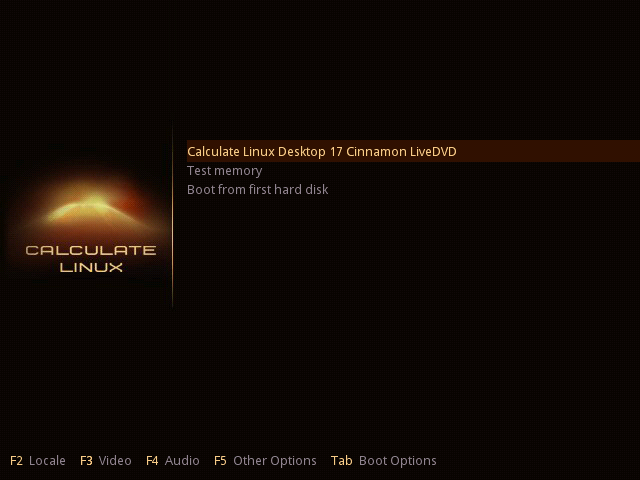
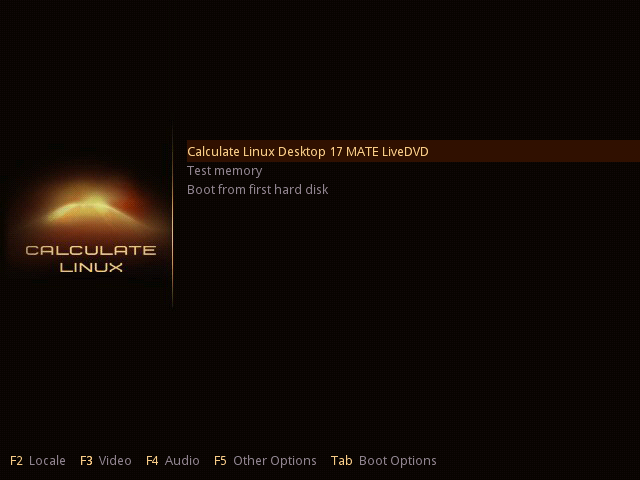
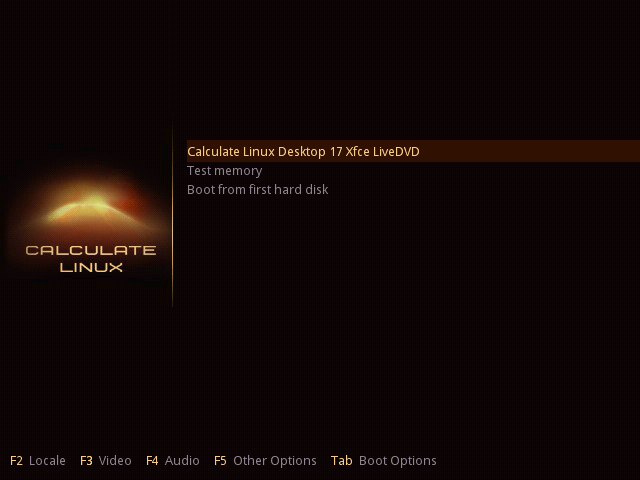
System menu of the bootable disk. Pressing F2-F5, you can choose language, keyboard layout, time zone, and the screen resolution. Menu language selection. Available by pressing the key F2.

Calculate Linux 9.6

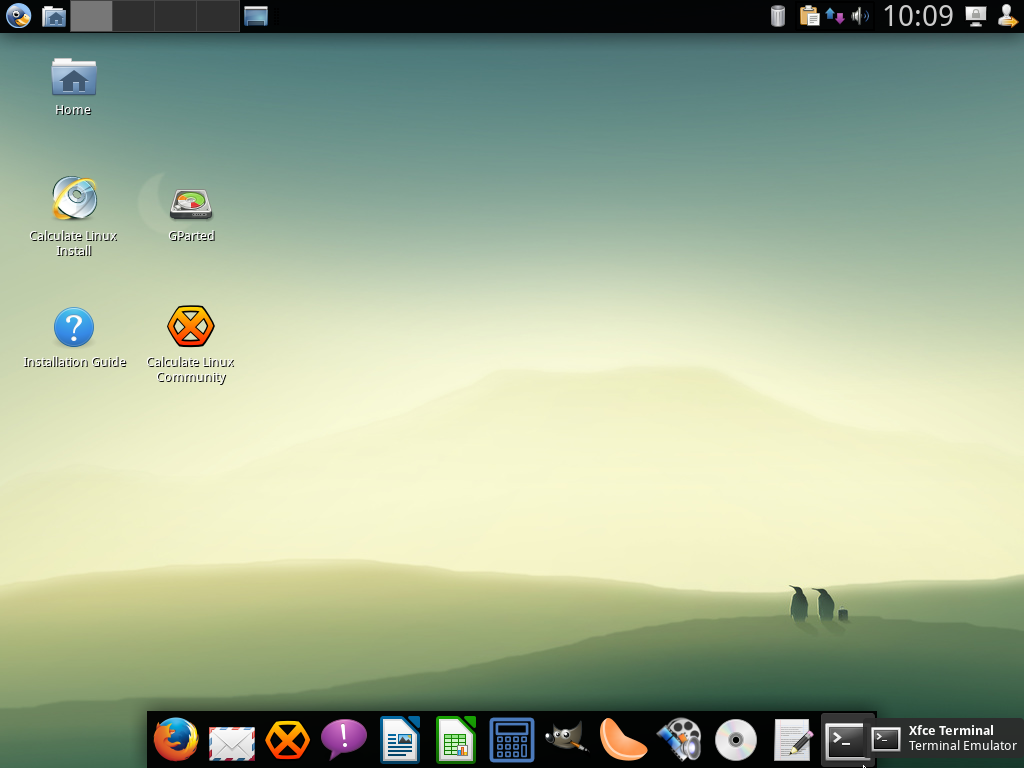
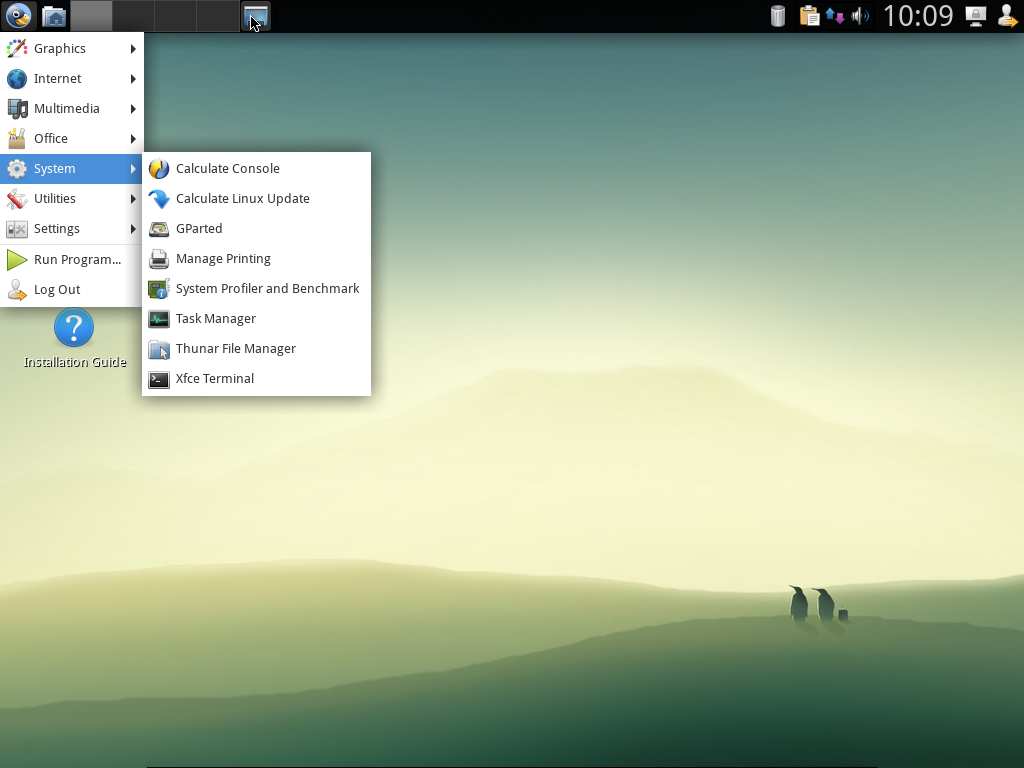
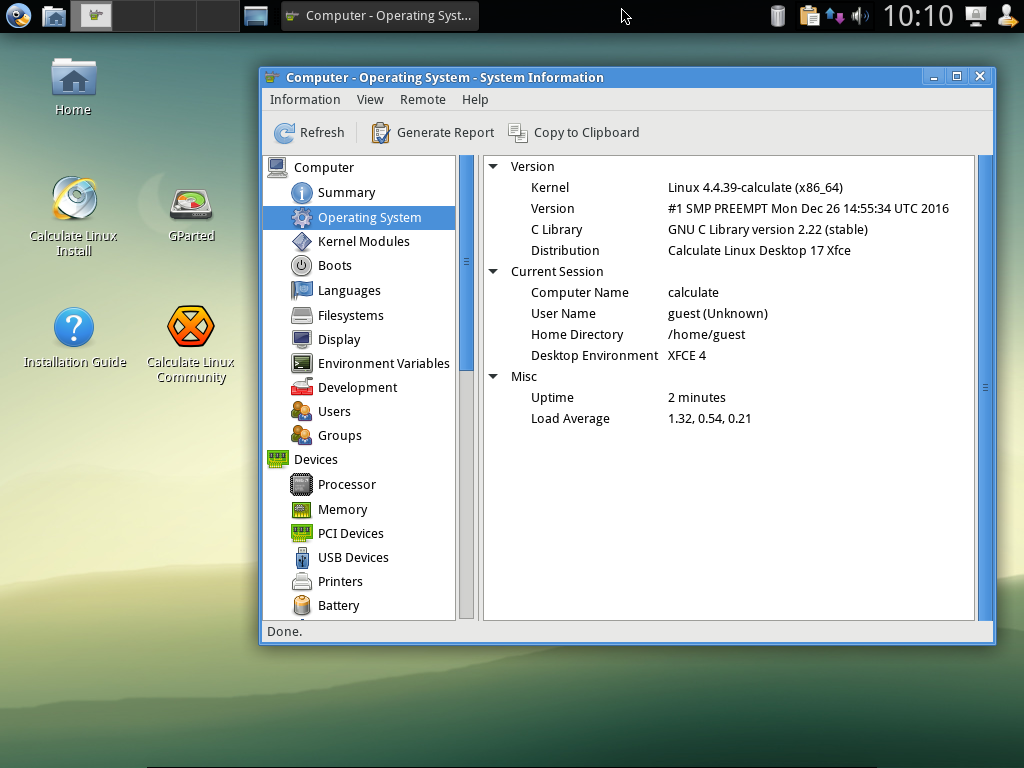
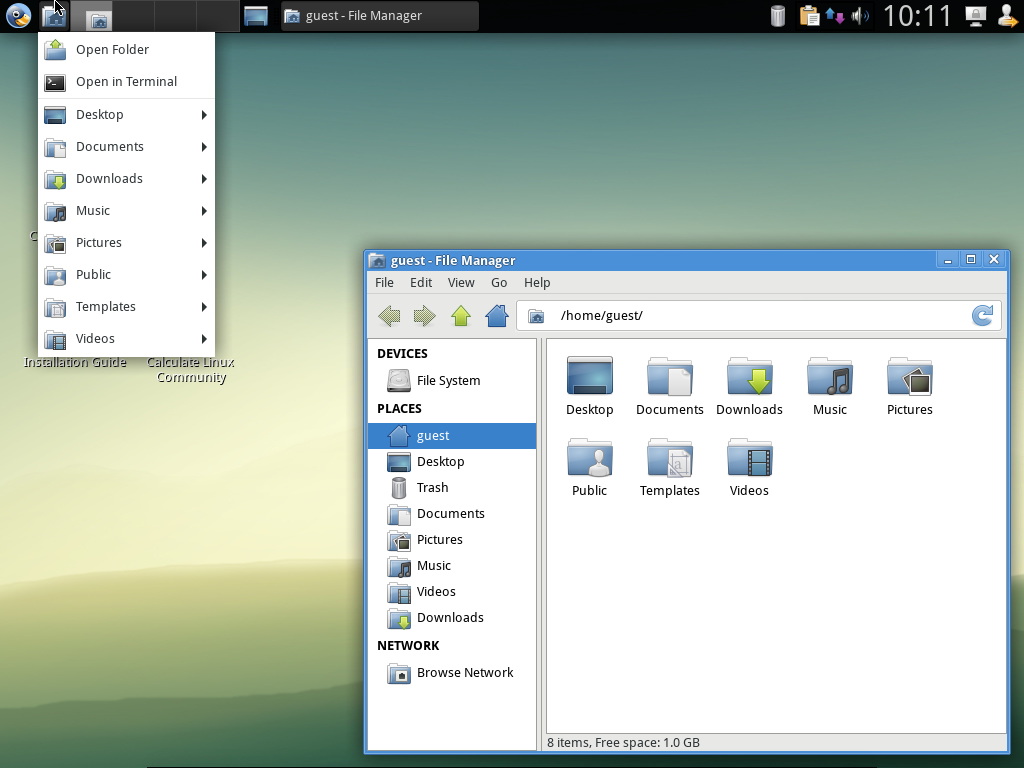
Calculate Linux Desktop XFCE

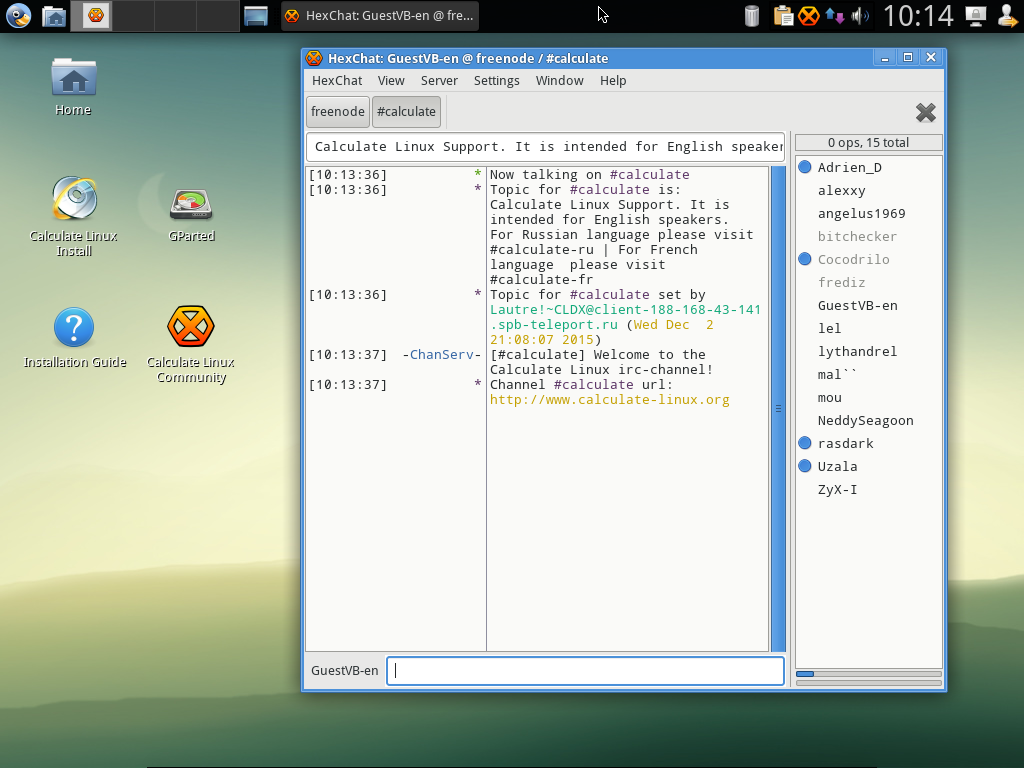
IRC-client Xchat, dictionary StarDict, panel settings window manager and wicd - tuning network. OpenOffice.org and graphic editor Gimp. Shared files server CDS, browser Firefox, client messaging Pidgin. Bottom - the panel run application.

Calculate Linux 9.3

Calculate Linux Desktop KDE

Representation of desktops in a cube. Called when you press Ctrl + F11, or when moving the mouse cursor to the lower left corner of the screen. The new menu Lancelot and the lower panel with application icons that shows up when your mouse pointer reaches it. In the Dolphin a directory of FTP server is opened. LUMA displays available for viewing user LDAP server. Overview of running Window applications. Called when you press Ctrl + F9 (Ctrl + F10), or when moving the mouse cursor to the lower right corner of the screen.
Switch to the WebKit engine in the Konqueror browser.

Calculate Linux 9.0

Calculate Linux Desktop KDE

The appearance of the desktop office computer, introduced within the Calculate Directory Server. The appearance of applications using the library Gtk and VCL: Mozilla Firefox, OpenOffice and Stardict. Access to the network drive. In Windows, they will be available under the disk R:\. Icons of Windows applications are built into the menu. Access to files on the server is configured using the Access Control List.
1C enterprise running on a terminal server that you entered under the CDS environment. Users of Linux and Windows machines manages a calculate-server on the CDS server. Adobe Photoshop on a terminal server is running with the help of keyexec.

Calculate Linux 7.9

Calculate Linux Desktop KDE

Appearance of Calculate Linux Desktop. The upper panel gives access to the desktop, running of applications and network drives. Working discs: mounted directory Home and a resource directory Disks/Office for general documents with the help of the server. The resources that are located in remote offices are available to the user. Launched OpenOffice Calc with the bottom pannel launcher. Bottom panel pops up when moving the mouse to the lower edge of the screen. 1C: under Calculate Linux Desktop with Calculator KCalc.
Launched Adobe Photoshop via remote desktop. Virtually no difference in the work is noticeable. Remote Desktop running Microsoft Windows with the browser Konqueror and upper informative panel KDE.
Thank you!